Cute Font Generator
Soft, tiny and sparkly text with hearts, stars and bubbles. Copy and paste it into a bio, caption or display name.
- BubbleAa
- TinyAA
- Small capsAA
- HeartsAa
- SparkleAa
- FlowersAa
- StarsAA
- BowsAa
How to use the cute font generator in 3 easy steps
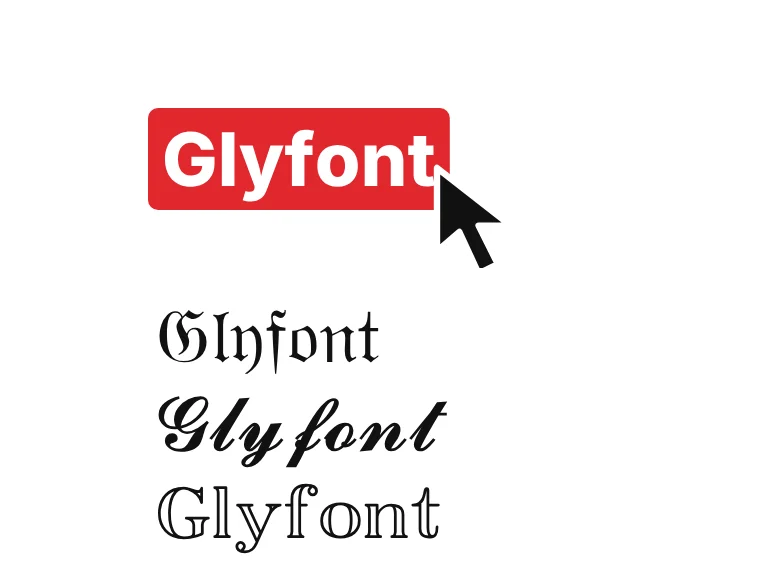
Type something sweet
Type a nickname, a bio line or a caption. The eight cute styles update as you type: bubble letters, tiny raised letters, small caps, and styles decorated with hearts, stars, flowers and bows.
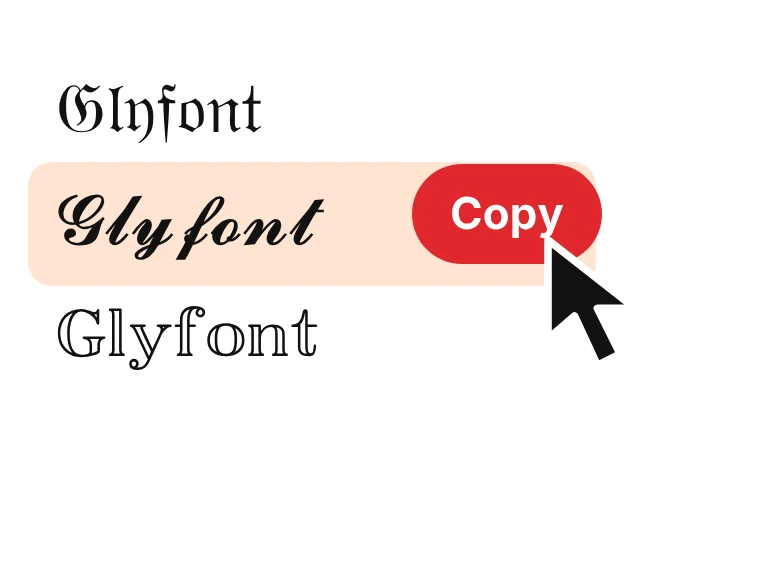
Pick a cute style and copy
Press Copy on the style you like. The decorations are part of the copied text, so it pastes exactly as shown, with nothing to install.
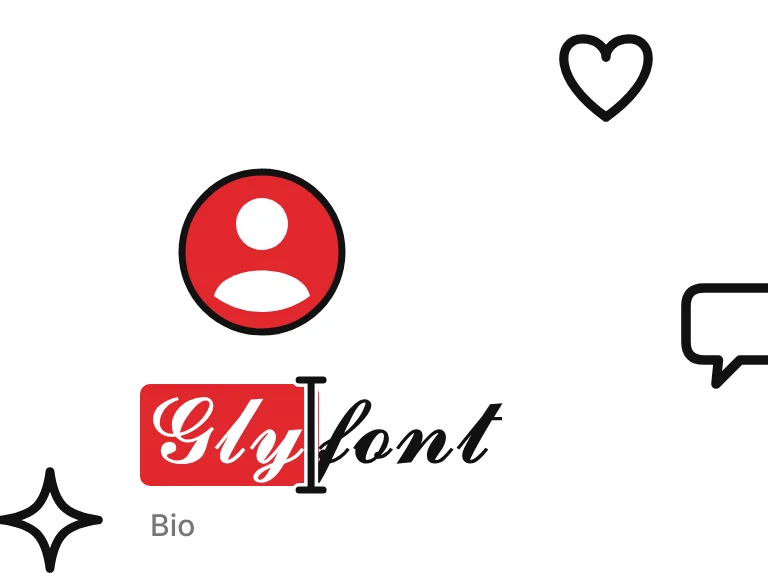
Paste it into your bio
Paste it into your bio, display name or a chat. Some apps limit symbols in usernames, so test it in a bio or display name first, and keep the decorations light so your name stays readable.
What are cute fonts?
Cute fonts are ordinary text dressed up with Unicode characters: tiny raised letters, bubble letters, small capitals and soft decorations like hearts, stars and flowers.
Each style swaps your letters for lookalike characters and adds a few symbols around them. It pastes as plain text, though some usernames reject symbols, so try your bio or display name first. Want something bolder? Try the fancy text generator.

How we picked these cute fonts
This page has 8 styles. Circles, hearts and small caps went through short captions first. Anything that looked heavy or noisy next to a few words was cut.
Cute text works when it stays light. A heart on each side of a word or a ring around every letter adds charm without making the line hard to read, which is why the list is small.
Got a cute style in mind? Send it and we'll give it a go.

Where to use cute text
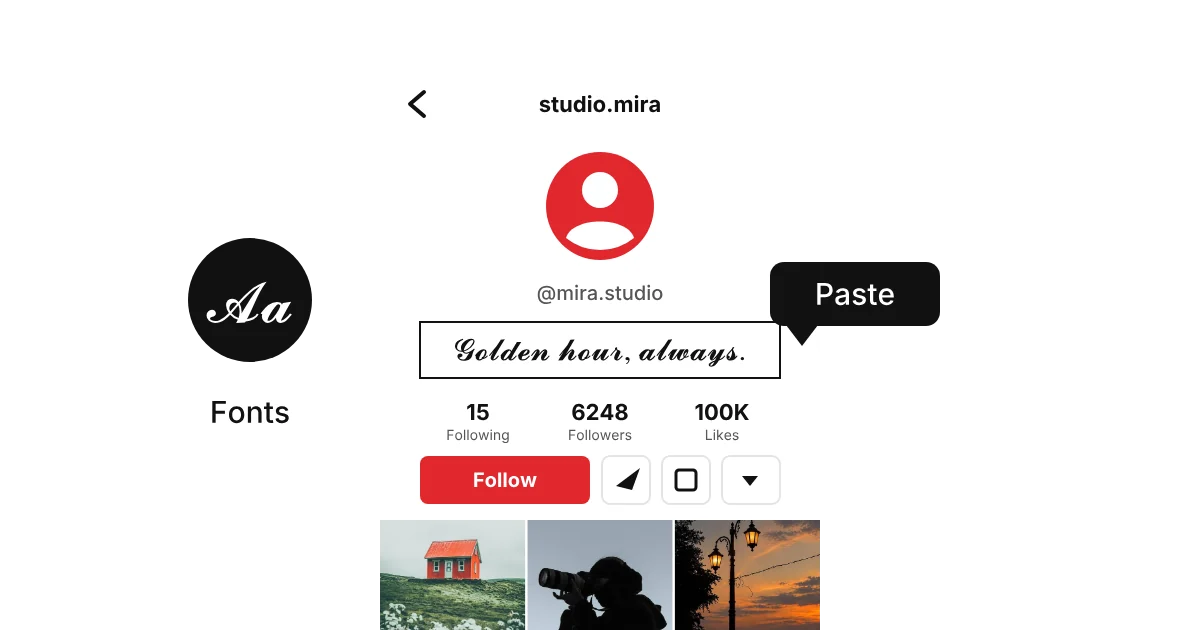
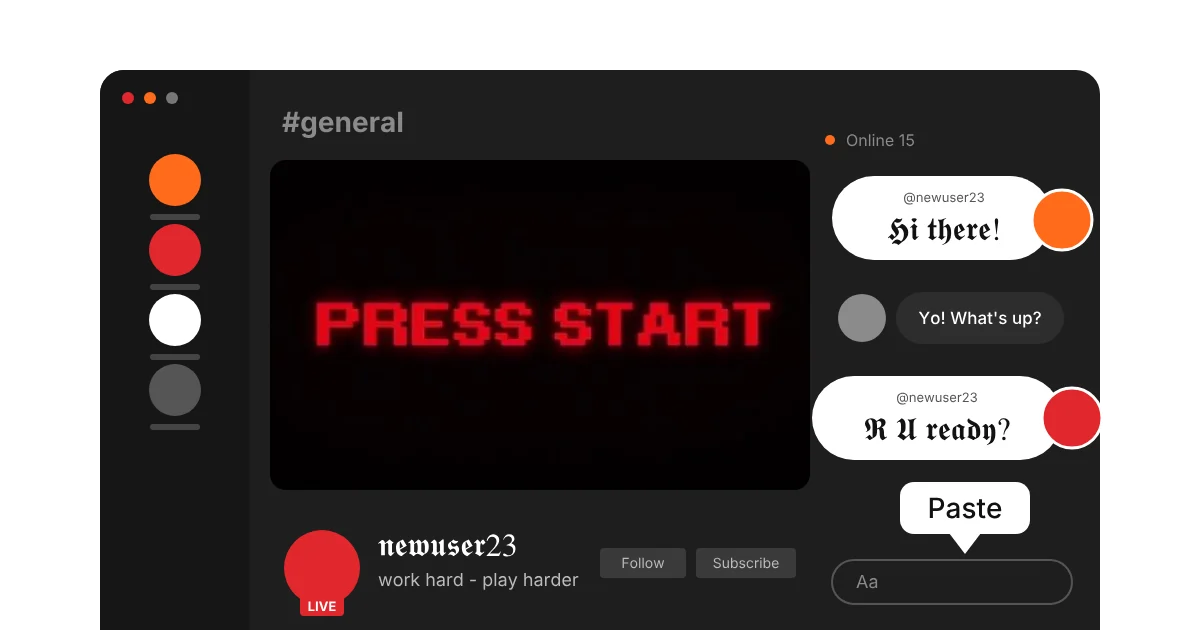
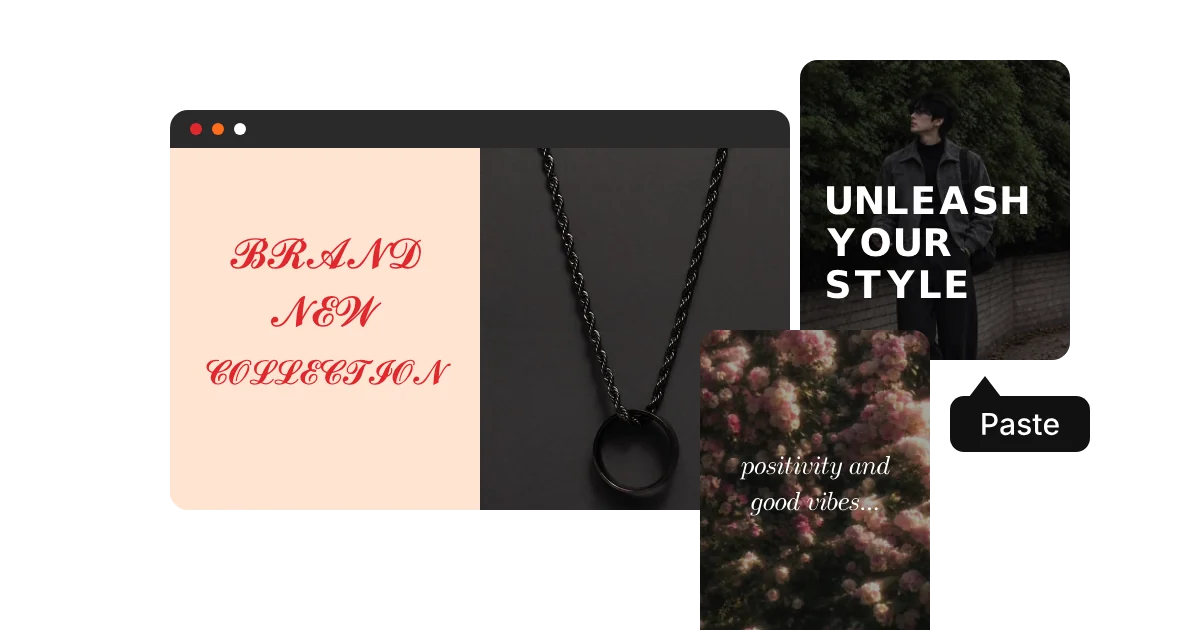
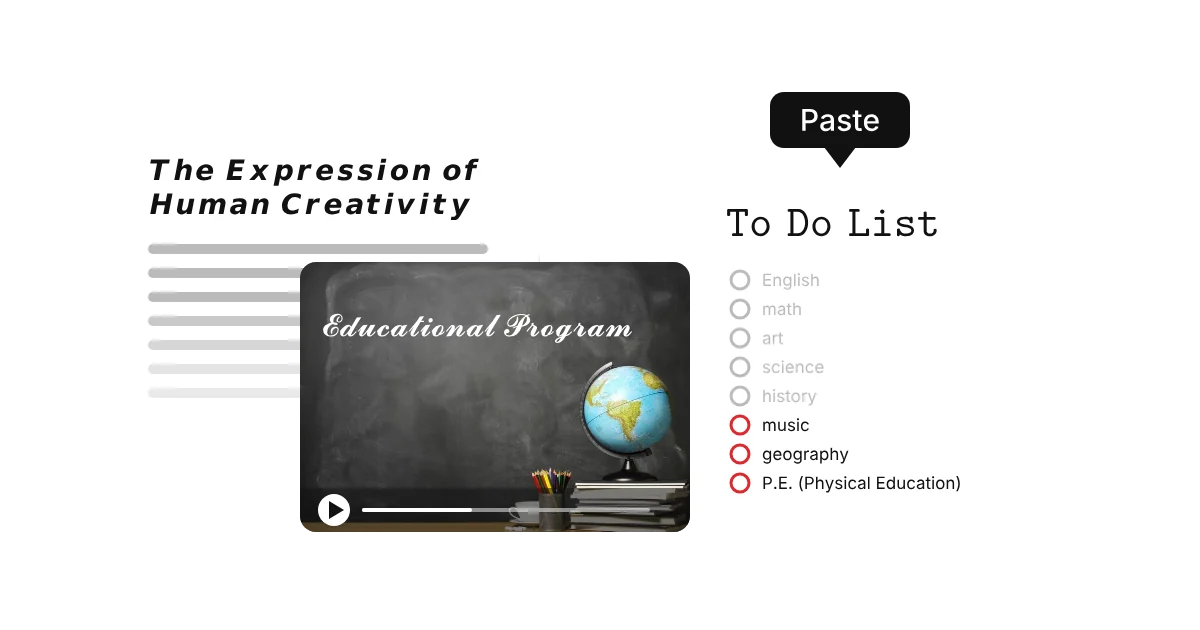
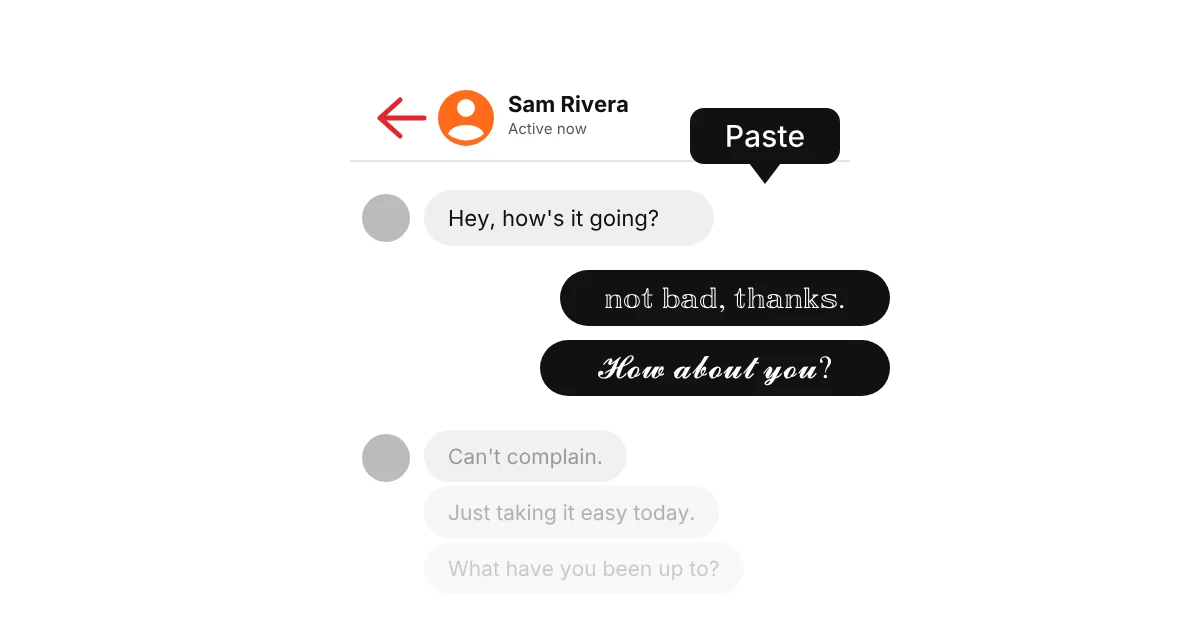
Cute text works best where people read first: bios, display names and captions. Keep the symbols light so it stays readable.
Why do cute text symbols show up as boxes?
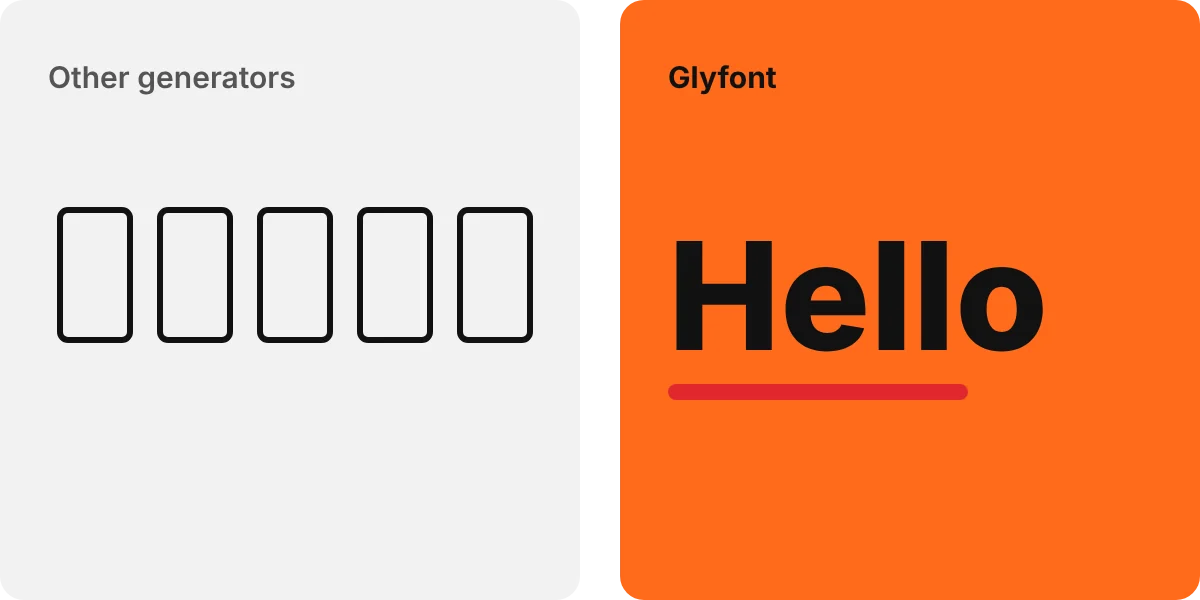
Cute text mixes styled letters with symbols like hearts, sparkles, flowers, stars and bows, and each one needs a matching glyph on the viewer’s device. If any symbol is missing, it shows as a small empty box. Circled bubble letters have been in Unicode since 1993, but decorations and some tiny letters can break on older phones.