Glitch Text Generator
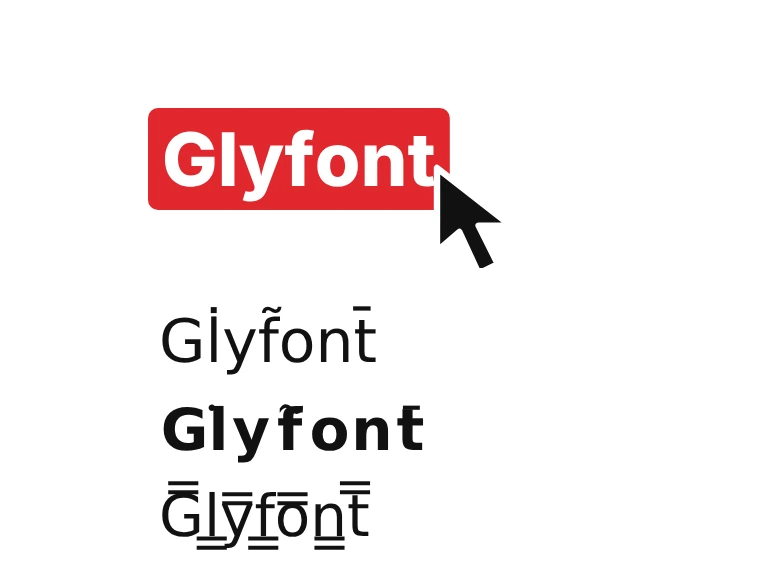
Make glitch text that still reads: light static, scan lines, echoes and redacted letters. Type your text, tap Shuffle for a new random glitch, then copy and paste it.
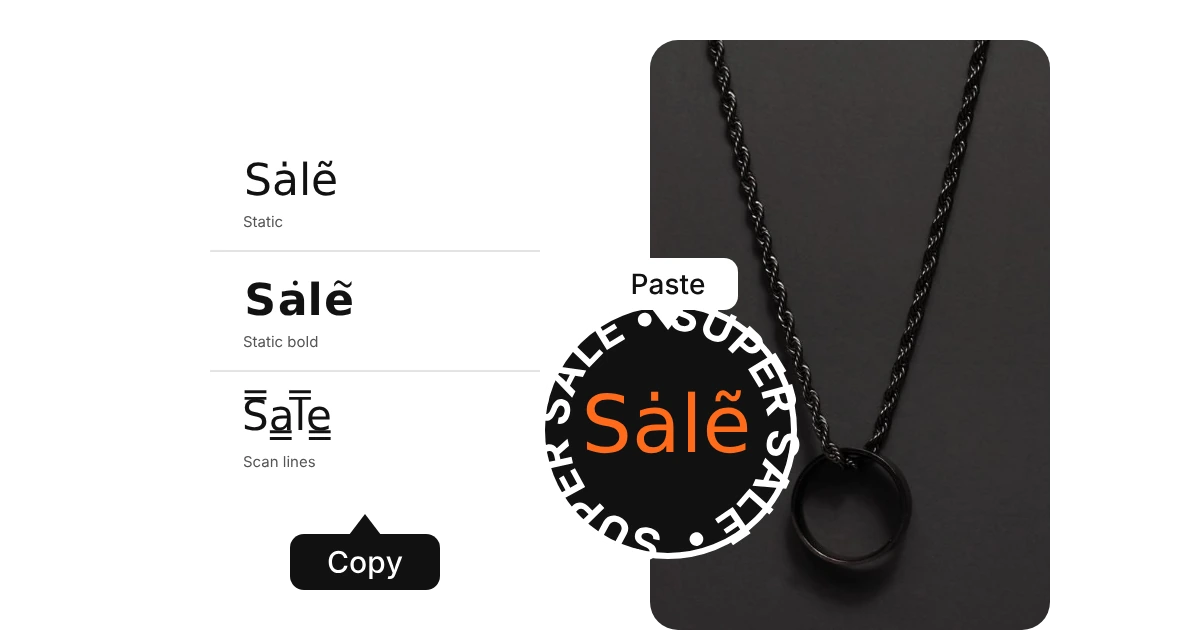
- StaticAa
- Static boldAa
- Static capsAA
- Scan linesAa
- EchoAa
- Doubled lettersAa
- Pixel shadowAa
- Static frameAa
- Signal barsAA
- BarcodeAA
- RedactedAa
- Dropped lettersAa
- Dead pixelsAa
- LeetAA
- FlickerAa
- Mixed fontsAa
- DriftAa
- ScrambleAa
- TerminalAa
- Error tagAa
- WarningAa
- Vapor staticAa
How to use the glitch text generator in 3 easy steps
Type your text
Type or paste your words into the box at the top of the glitch text generator. The 22 styles below update as you type, from light static to scan lines, echoes and redacted letters.
Pick a style and copy
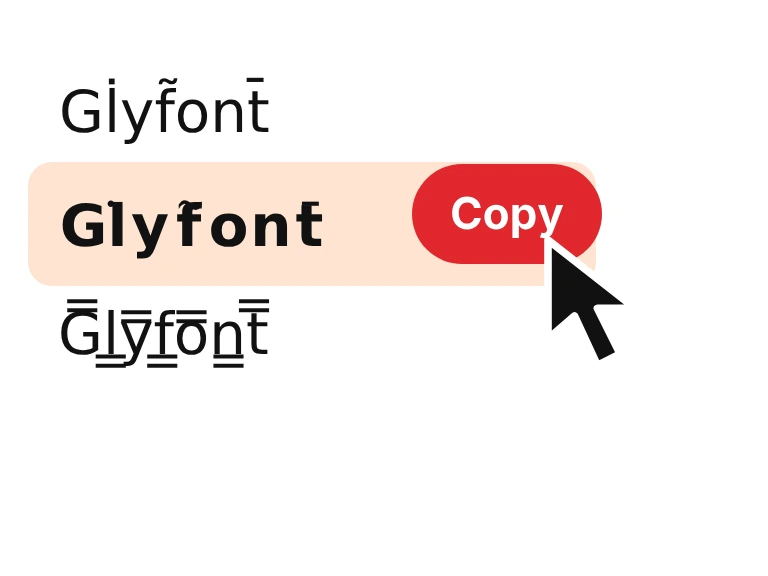
Press Shuffle to re-roll the random styles, such as static, redacted and dropped letters, until you like one. Then press Copy beside it. It copies as plain text, so nothing needs to be installed.
Paste it anywhere
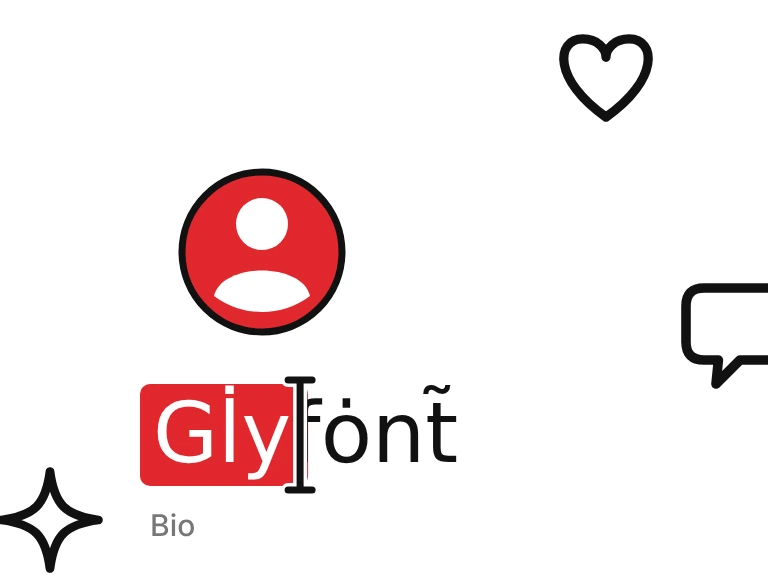
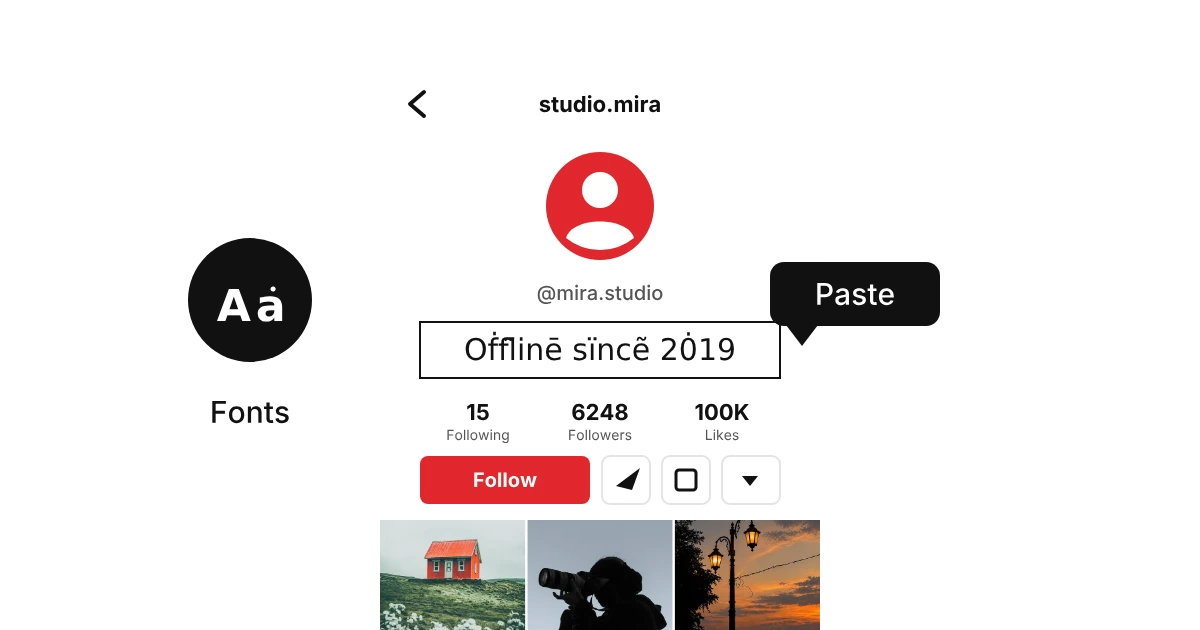
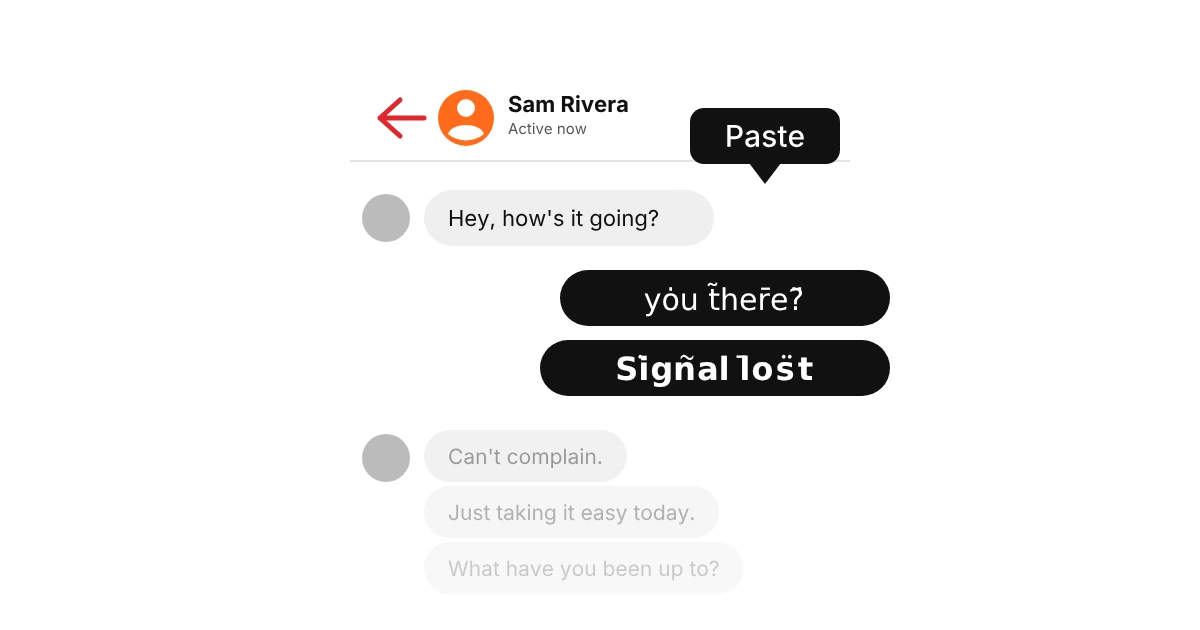
Paste it into a bio, a Discord name, a game chat, a caption or a message. Some games and sites reject special characters in names, so test it in a bio or a chat first.
What is glitch text?
Glitch text is normal text that looks like a broken screen. The generator adds tiny Unicode marks above letters, swaps a few letters for blocks or underscores, and layers echoes and scan lines on top, so your words look like a bad signal or a corrupted file. It is plain text, so you can paste it almost anywhere.
Our glitch styles are built to stay readable, so people can still tell what you wrote. Press Shuffle and the random ones, like static, redacted and dropped letters, change every time. Want text that is stacked tall and almost impossible to read? Try the zalgo text generator.
How we picked these glitch text styles
We built the 22 glitch styles by hand and kept the distortion light enough that the word is still readable. Heavy stacks of marks either moved to the zalgo page or got dropped.
Glitch text is about static, scan lines and echo, not about burying the word. Shuffle gives you a different version each time, so keep pressing it.
Want a glitch look we don't have? Tell us.

Where to use glitch fonts
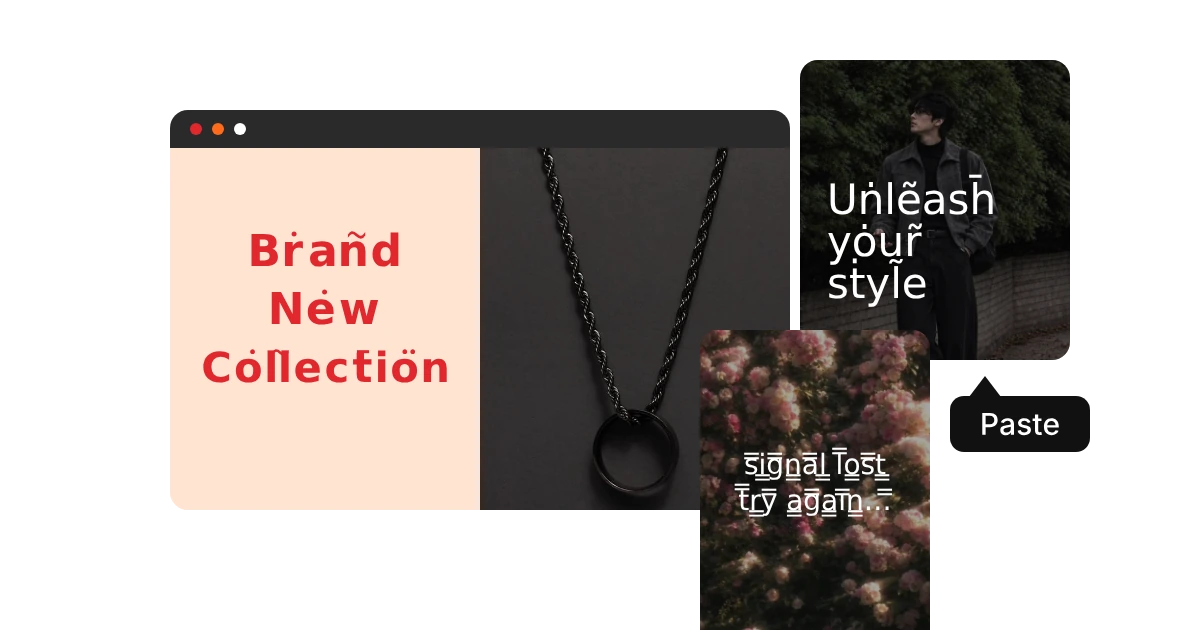
Glitch text suits anything with a gaming, tech or horror mood. Use it for a few words, such as a name or a title, and keep the rest plain so it stays easy to read.
Why does glitch text sometimes look broken or show boxes?
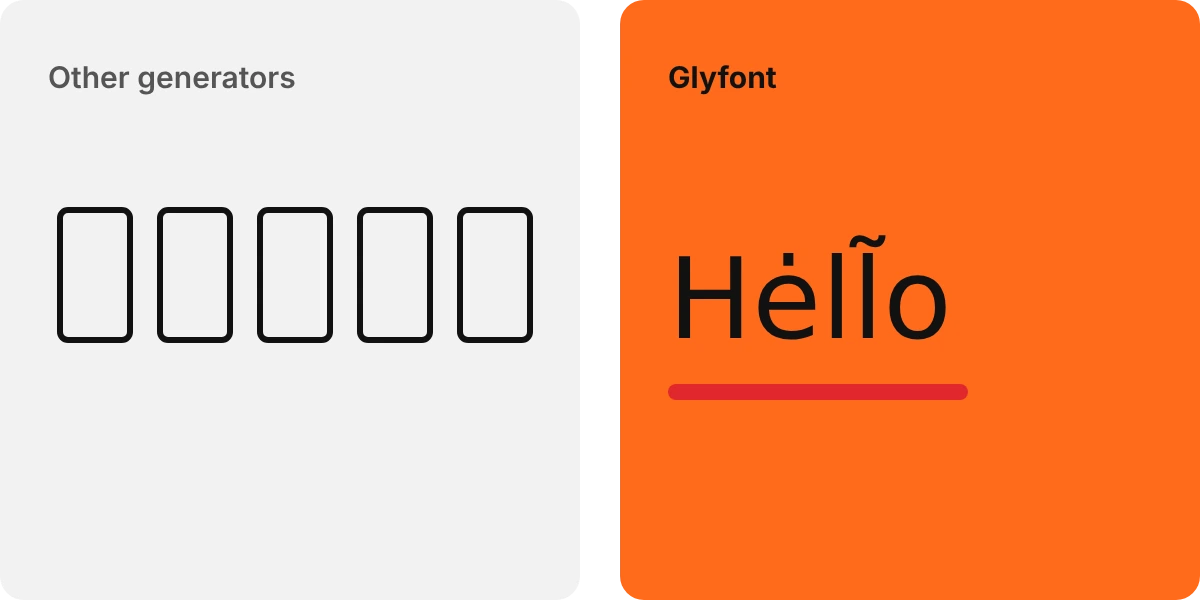
Glitch text relies on tiny combining marks and block symbols, and a few apps and older phones draw them badly. Some show an empty box, and others place a mark on the wrong letter. Styles with fewer marks, like echo, doubled letters and scan lines, are the safest. Also remember that glitch text is harder to read and is skipped by search, so keep important words in plain text.