Discord Font Generator
Copy and paste Discord fonts for your nickname, channel names, roles and messages. Type your text, pick one of 22 styles, then paste it into Discord.
- Small capsAA
- BoldAa
- Serif boldAa
- Sans bold italicAa
- Bold scriptAa
- Gothic boldAa
- Double-struckAa
- TypewriterAa
- BubbleAa
- SquaredAA
- WideAa
- TinyAA
- StrikethroughAa
- UnderlinedAa
- Sparkle nameAA
- Star borderAa
- BracketsAA
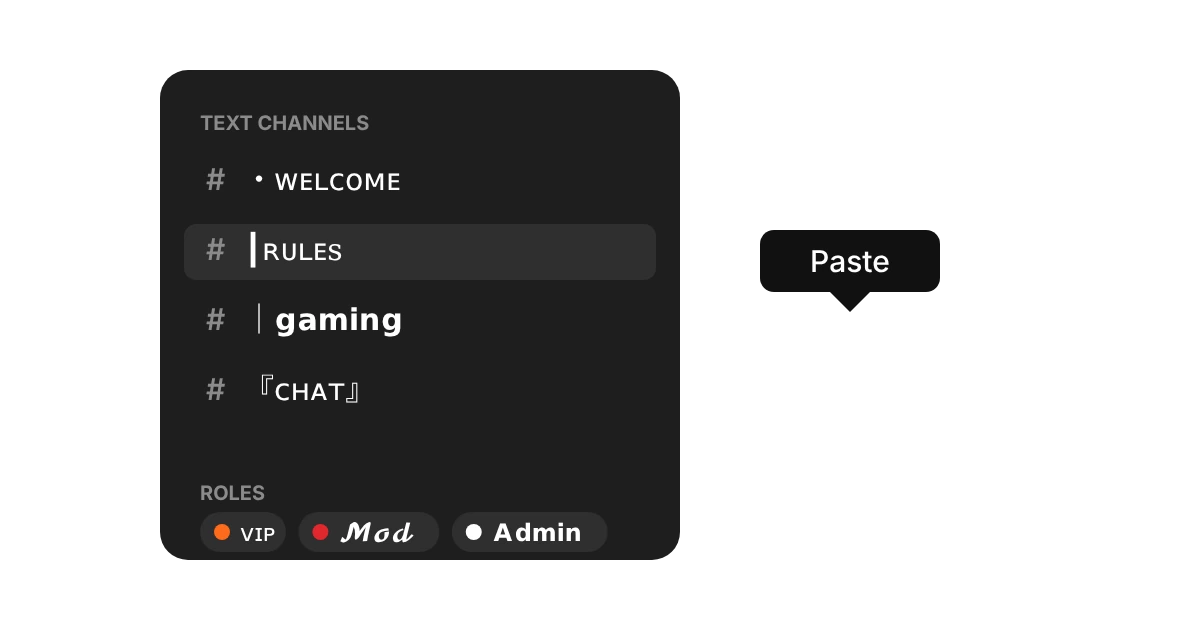
- Channel dotAA
- Channel barAA
- CrownAa
- Gamer tagAa
- SpoilerAa
How to use the Discord font generator in 3 easy steps
Type your name or message
Type or paste your words into the box at the top of the Discord font generator. The 22 styles below update as you type, so you can compare them side by side.
Pick a style and copy
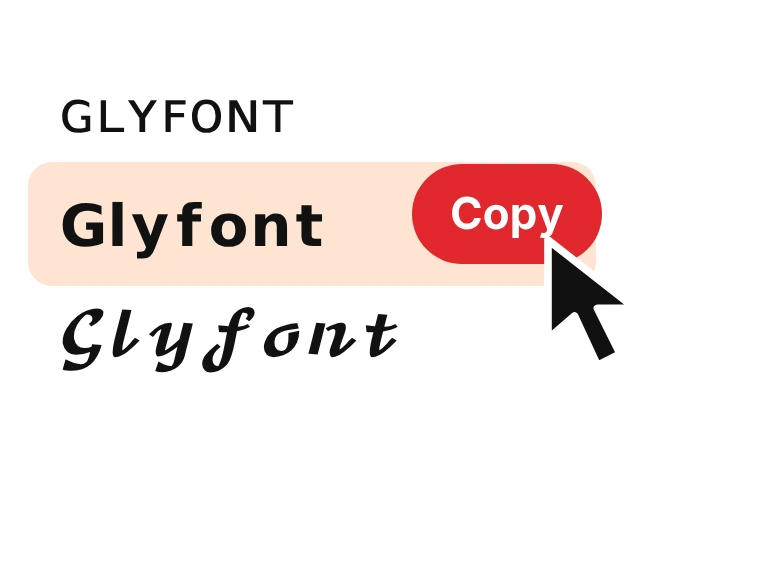
Choose small caps, bold, script, bubble or a ready-made look for channels, such as a dot or bar before the name. Press Copy beside the one you like.
Paste it into Discord
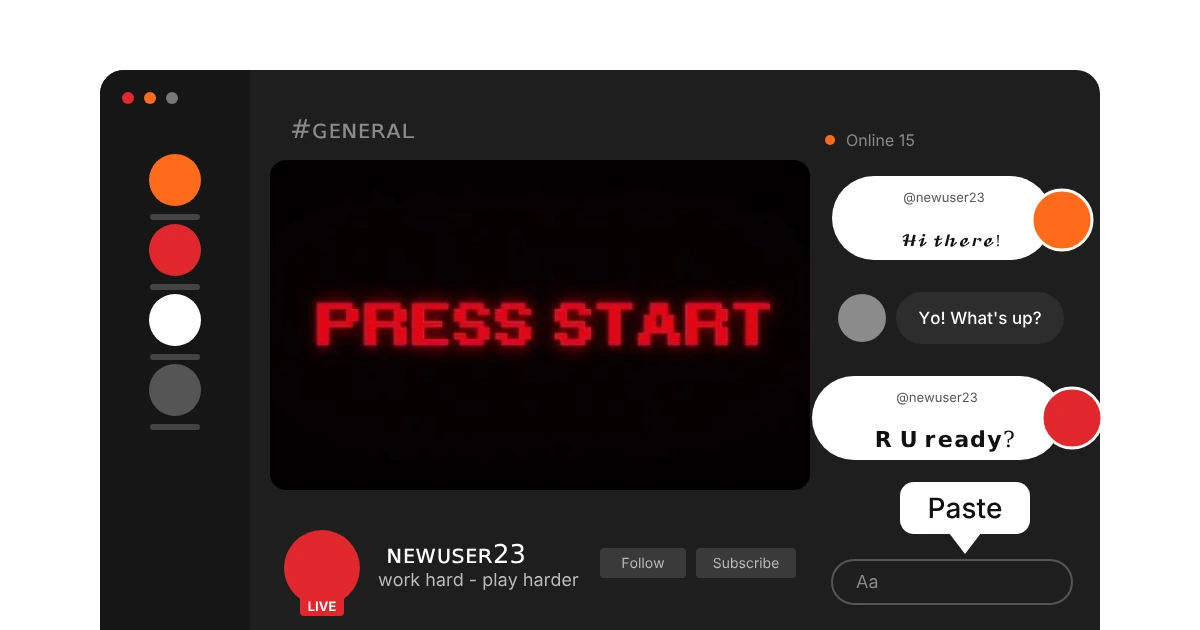
Open Discord and paste it into your display name, a server nickname, a channel or role name, your About me or a message. Your @username stays plain, because Discord only allows basic characters there.
What are Discord fonts?
Discord lets you bold or italicise a message with markdown, but it has no font picker for names, channels or roles. Discord fonts fill that gap. They are Unicode characters that look like bold, script, small-cap or bubble letters, and Discord treats them as ordinary text, so you can paste them straight into a nickname, a channel name or a message.
Fancy letters do not work in your @username, which only allows lowercase letters, numbers, dots and underscores. Use them in your display name, server nicknames, channel names, role names, your About me and chat. Want every style we have? Try the fancy text generator.
How we picked these Discord fonts
Twenty-two styles, picked by hand. We started with the Unicode letter sets Discord can draw, then checked how each one reads at the small sizes of a member list, a channel name and a chat line. Empty boxes and letters too thin to read were cut.
A plain name blends in with every other name in the list. Small caps, script or a symbol before the name change the shape of the line, so the eye lands on it first. That's also why we added a dot and a bar for channels: they keep a long list tidy.
Using a Discord style that isn't here? Tell us.

Where to use Discord fonts
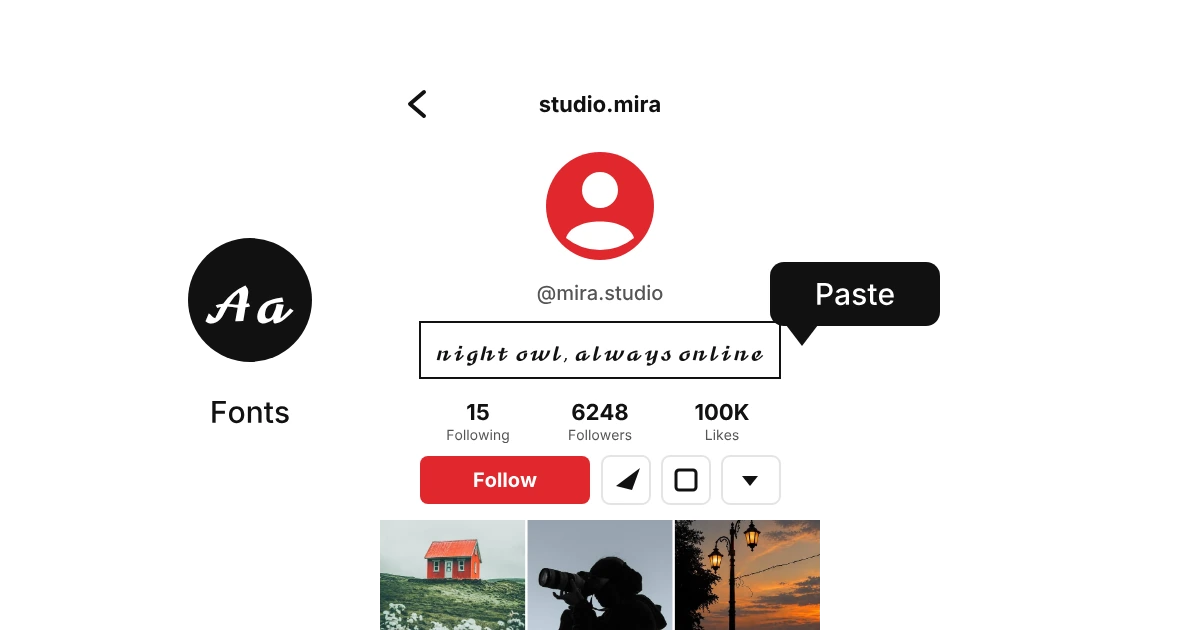
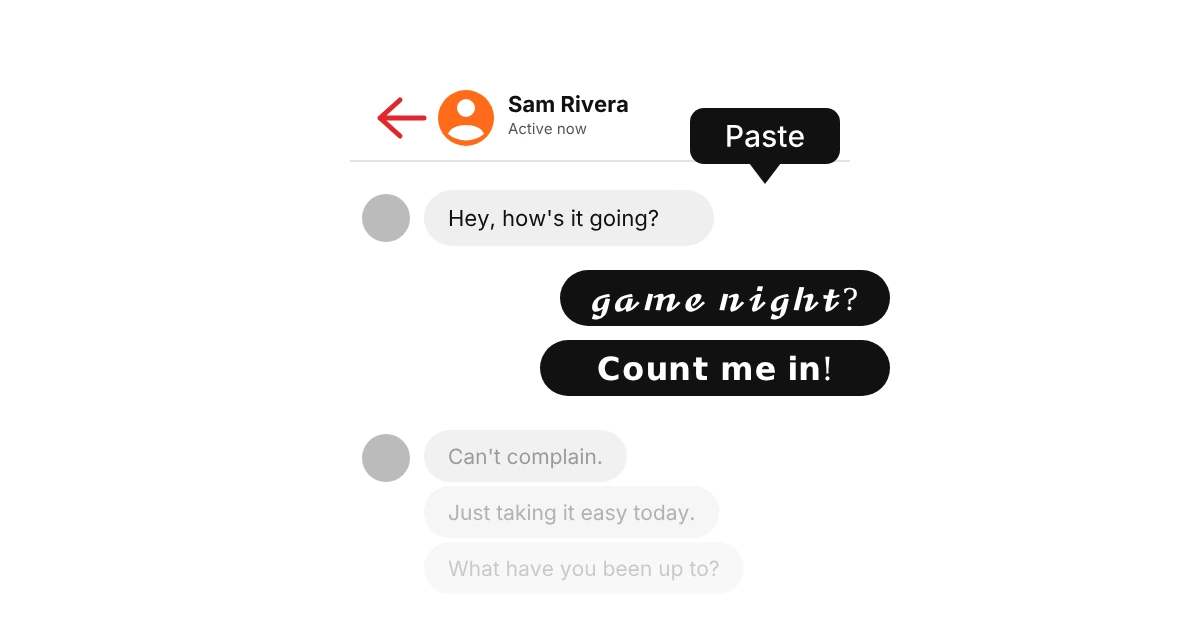
Discord fonts work in the places where you can type text and Discord lets you choose the name. Server permissions decide where you can edit, and bots that read commands may not recognise fancy letters.
Why do some Discord fonts show as boxes?
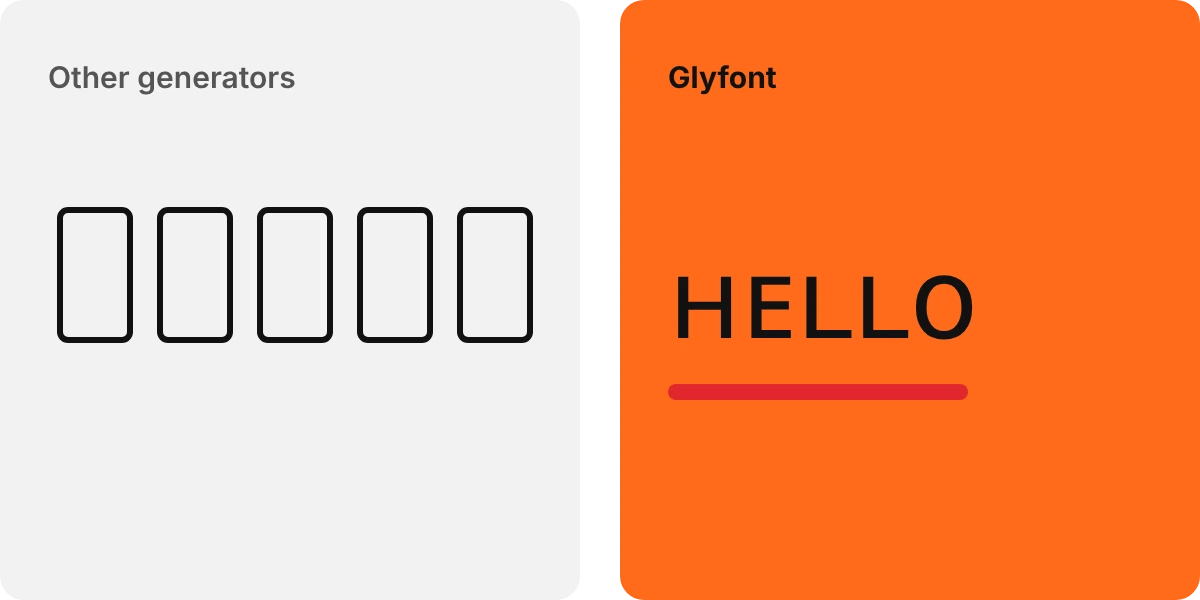
A box means the device reading the message has no font for that character. Discord stores your text correctly, but a friend on an older phone may see a placeholder. Bold, small caps and script show on nearly all devices, while rare symbols fail more often. Fancy letters also do not stack with Discord markdown, and screen readers read them out oddly, so keep rules and important notices in plain text.