Facebook Font Generator
Copy and paste Facebook fonts for your posts, bio, comments, groups and events. Type your text, pick one of 22 styles, then paste it into Facebook.
- BoldAa
- Sans boldAa
- Sans bold italicAa
- Bold scriptAa
- ScriptAa
- ItalicAa
- Sans italicAa
- Gothic boldAa
- Small capsAA
- BubbleAa
- Double-struckAa
- TypewriterAa
- WideAa
- StrikethroughAa
- UnderlinedAa
- Status with heartsAa
- Status with sparklesAA
- AnnouncementAa
- Event titleAa
- Post headingAa
- DividerAA
- Arrow call to actionAa
How to use the Facebook font generator in 3 easy steps
Type your post or bio
Type or paste your words into the box at the top of the Facebook font generator. The 22 styles below update as you type, so you can compare them side by side.
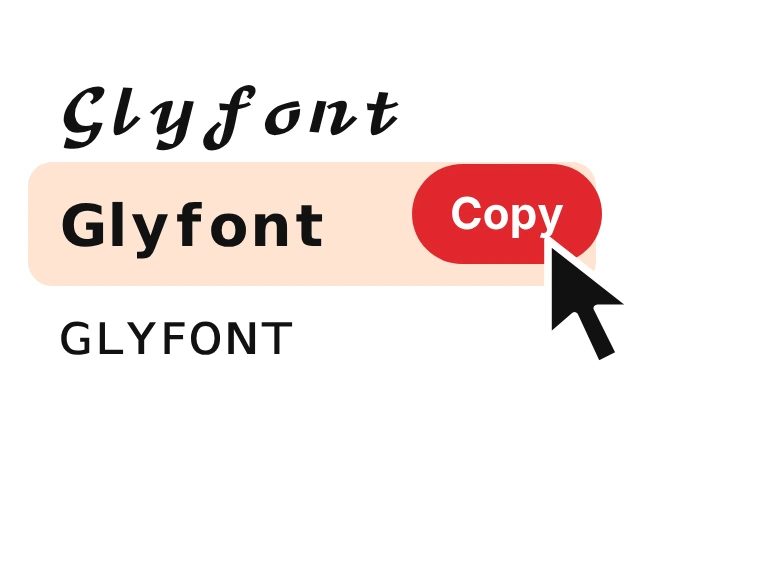
Pick a style and copy
Choose bold, bold script, small caps, italic or typewriter letters, or a ready-made heading with an arrow, hearts, sparkles or a divider. Press Copy beside the one you like.
Paste it into Facebook
Open Facebook and paste it into a post, a comment, a Story, your bio or a group description. Facebook has no font picker, so you only need to paste. If it will not save in your profile name, switch to a plainer style.
What are Facebook fonts?
Facebook has no font picker for posts, comments or your bio, so everyone writes in the same typeface. Facebook fonts get around that. They are Unicode characters that look like bold, script, italic or small-cap letters, and Facebook treats them as ordinary text. The generator swaps your letters for these lookalikes so you can paste them straight into the app or the website.
They work in posts, comments, Stories, your bio, group descriptions and event titles. Your profile name is stricter, because Facebook can reject special characters there. Want every style we have, not only the ones picked for Facebook? Try the fancy text generator.

How we picked these Facebook fonts
We tried all 22 styles on a name, a short post and a long post. Only the sets that read well in the first line made the list, because that's the part people see before See more.
For a long post, the opening line has to do the work. A styled hook at the top, then plain text below it, keeps the post easy to read.
Is there a style we should add? Tell us.

Where to use Facebook fonts
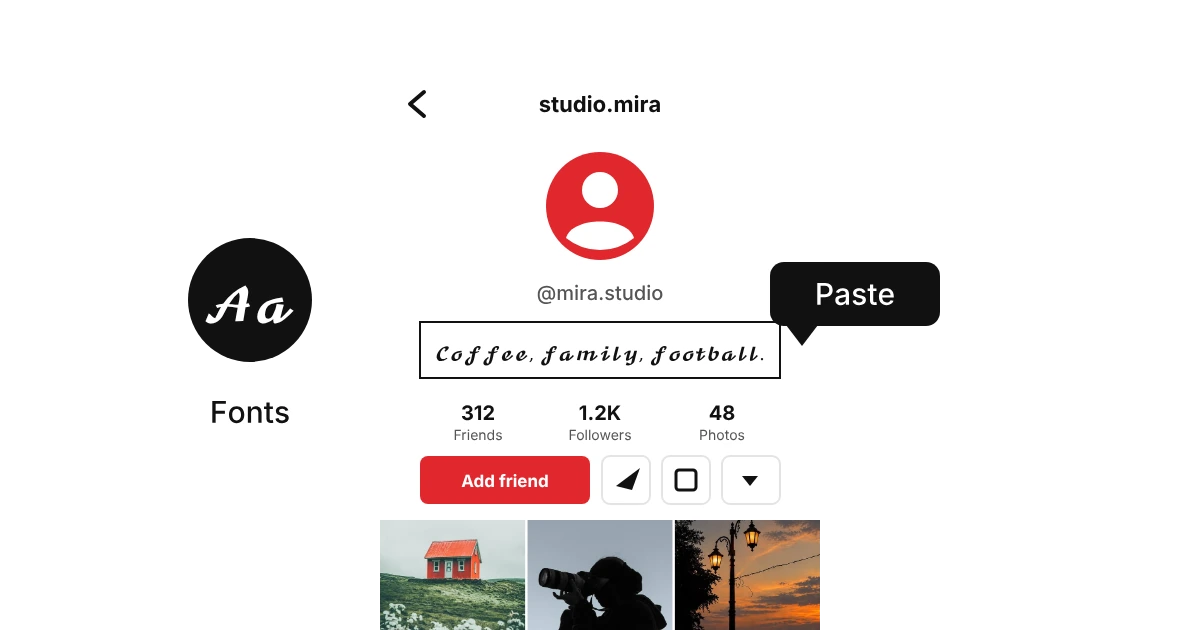
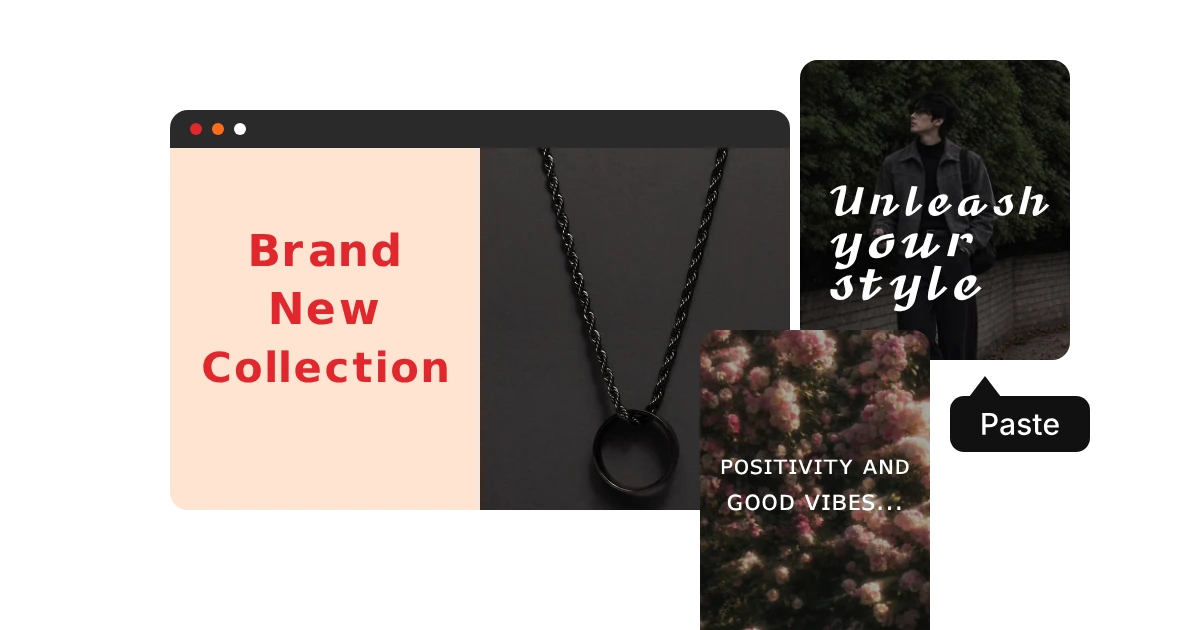
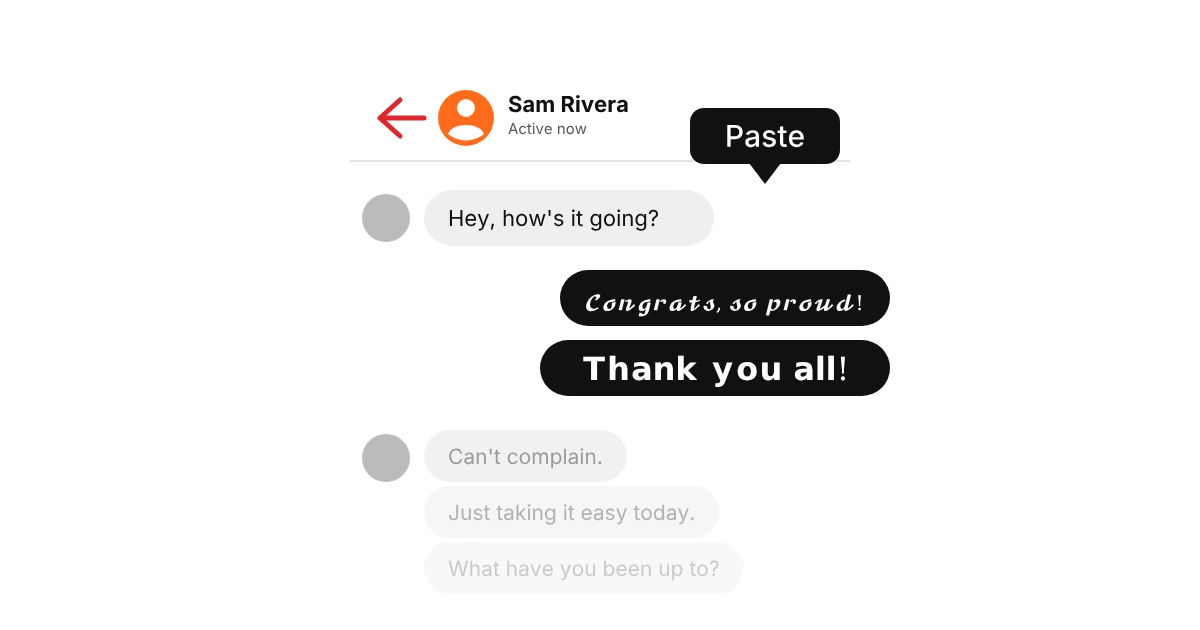
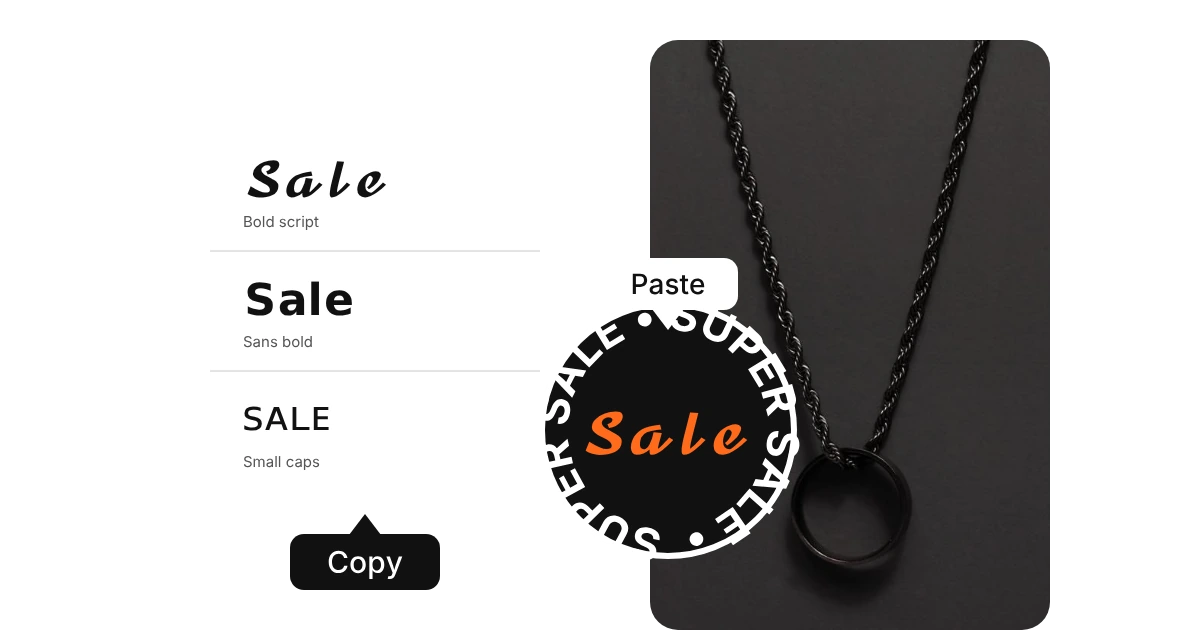
Facebook fonts work anywhere text lives on Facebook. Use them for a few key words, such as a headline, a name or a call to action, and keep the rest plain so it stays easy to read and easy to find.
Why do some fonts show as boxes on Facebook?
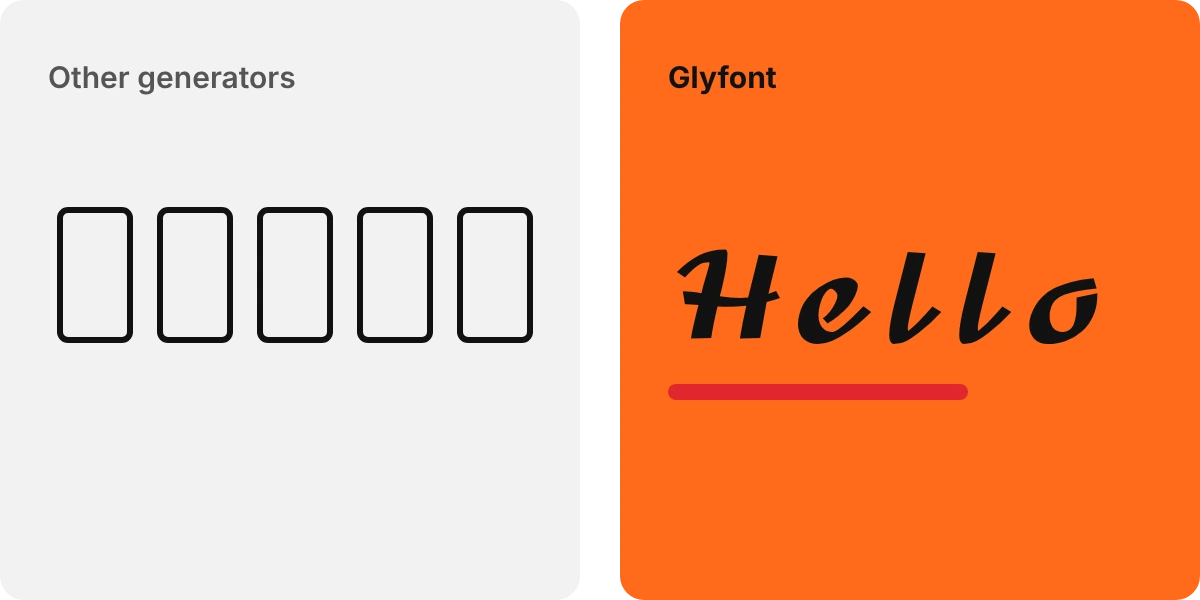
A box means the phone or computer reading your post has no font for that character. Your text is saved correctly, but that viewer sees a placeholder. Bold, italic, script and small caps show on almost all devices, while rare symbols fail more often. Fancy letters are also skipped by search and read out oddly by screen readers, so avoid them in Marketplace listings and ads, where people need to find and read your words.