WhatsApp Font Generator
Make WhatsApp fonts for your chats, status, About and group names. Copy a fancy style, or copy your text wrapped in WhatsApp’s own bold, italic and strikethrough codes.
- Sans bold italicAa20/139
- Sans boldAa21/139
- Bold scriptAa20/139
- Small capsAA12/139
- WhatsApp bold codeAa14/139
- WhatsApp italic codeAa14/139
- WhatsApp strikethrough codeAa14/139
- WhatsApp monospace codeAa18/139
- WhatsApp bold italic codeAa16/139
- WhatsApp inline codeAa14/139
- WhatsApp quote codeAa14/139
- WhatsApp bullet list codeAa14/139
- Sans italicAa20/139
- TypewriterAa21/139
- Double-struckAa21/139
- BubbleAa12/139
- WideAa12/139
- UnderlinedAa30/139
- Status with heartsAa24/139
- Status with sparklesAA16/139
- Group nameAa25/139
- WaveAa23/139
How to use the WhatsApp font generator in 3 easy steps
Type your message
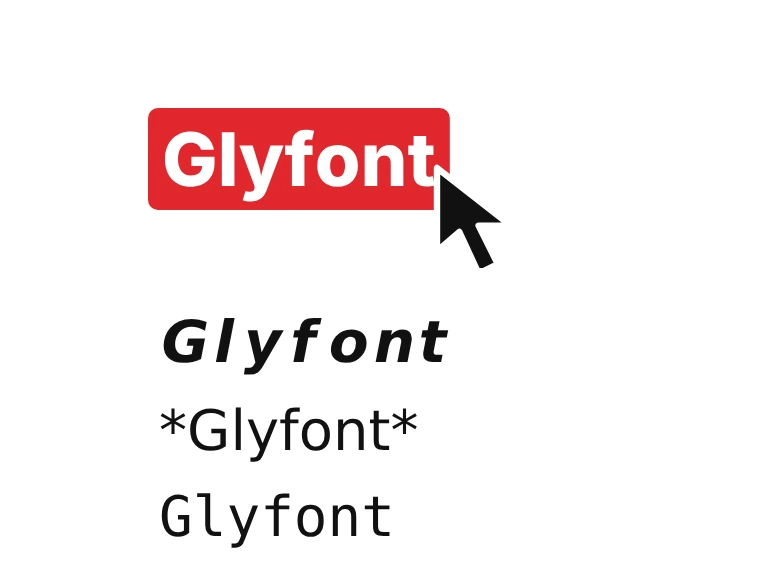
Type or paste your words into the box at the top of the WhatsApp font generator. The 22 styles below update as you type, and each one shows a counter against the 139-character About limit.
Pick a font or a code and copy
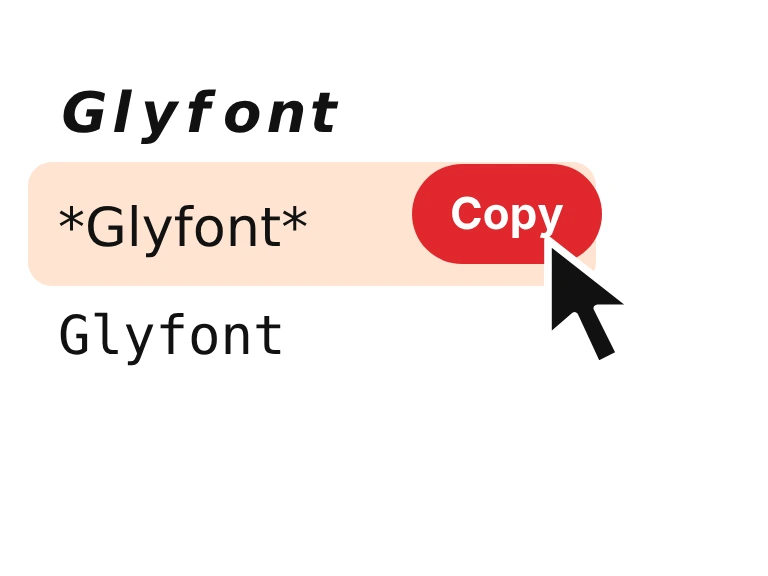
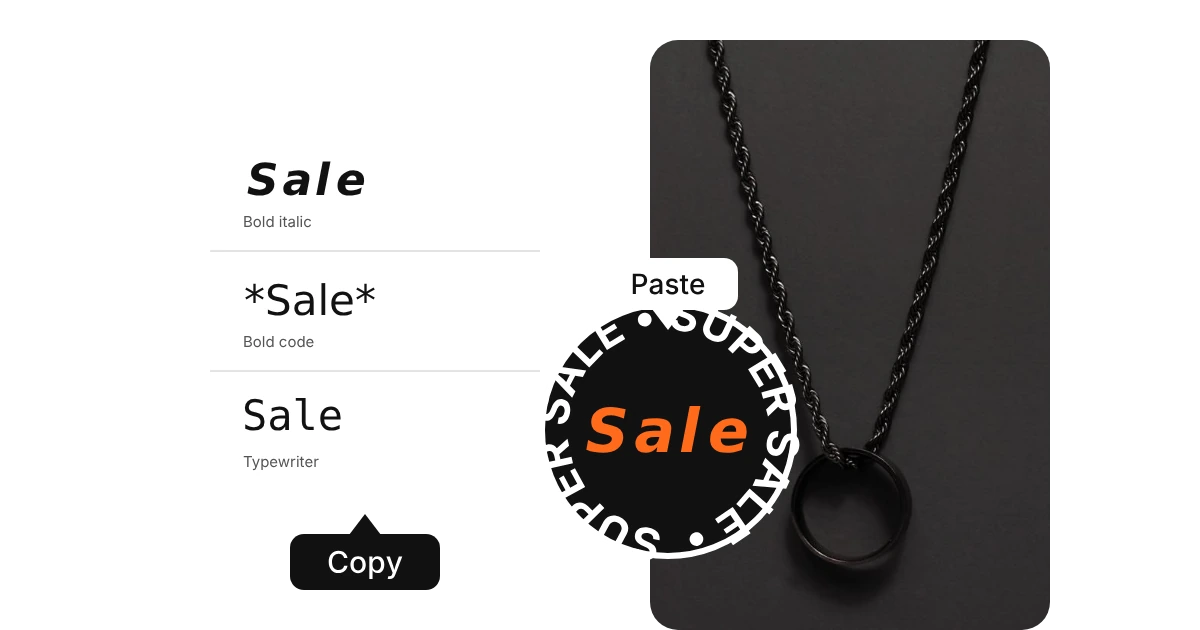
Choose a fancy style such as bold italic, script, small caps or bubble, or one of the WhatsApp codes for bold, italic, strikethrough, monospace, quote or a bullet list. Press Copy beside the one you like.
Paste it into WhatsApp
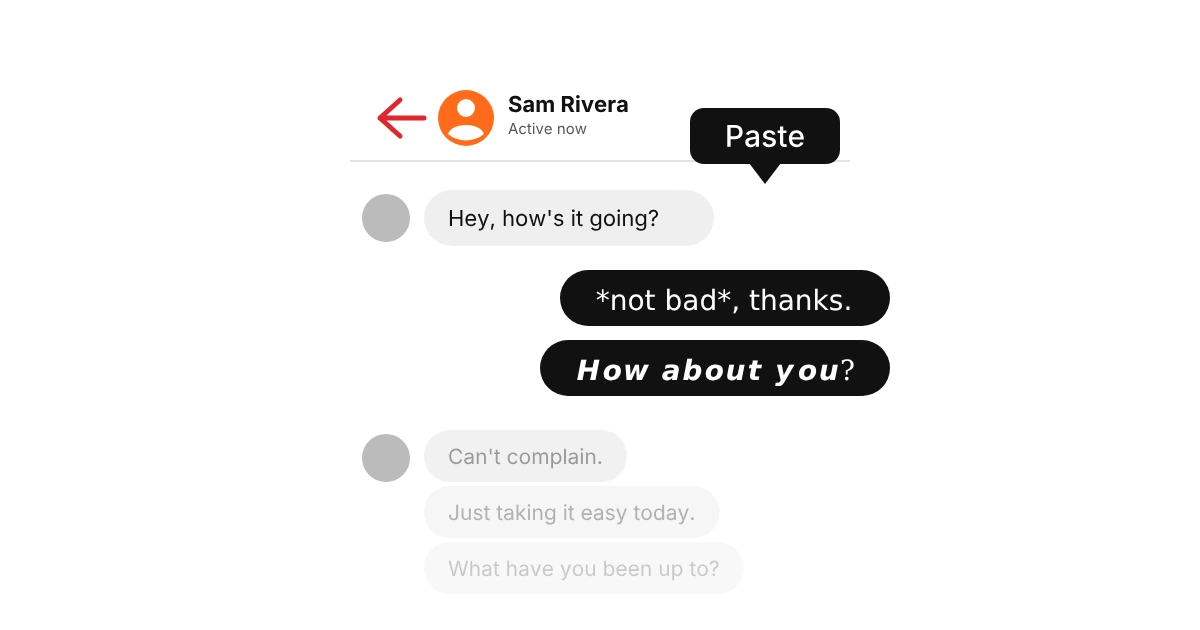
Paste it into a chat and send. A code turns into real formatting once the message is sent, and a fancy style looks the same as it does here. For your About, name, status or a group name, use a fancy style, because codes only work in messages.
What are WhatsApp fonts?
WhatsApp fonts come in two kinds. The first is WhatsApp’s own formatting: put asterisks around a word for bold, underscores for italic, tildes for strikethrough and three backticks for monospace, and WhatsApp restyles it when you send. The second is Unicode lookalike letters, such as script, bubble or small caps, which are ordinary characters that already look styled.
The codes only work inside messages. Unicode fonts work everywhere you can type, including your About line, your name, a text status and a group name, where the codes do nothing. This generator gives you both, so you can pick what fits. Want only heavy letters? Try the bold text generator.

How we picked these WhatsApp fonts
Twenty-two styles, tested in a chat message, a status and a group name. The ones that broke into boxes or looked too thin inside a chat bubble didn't stay.
WhatsApp has its own formatting codes for bold and italic. Styled letters are a separate way to change text, so we picked sets that look good on their own too.
Know a style we left out? Tell us.

Where to use WhatsApp fonts
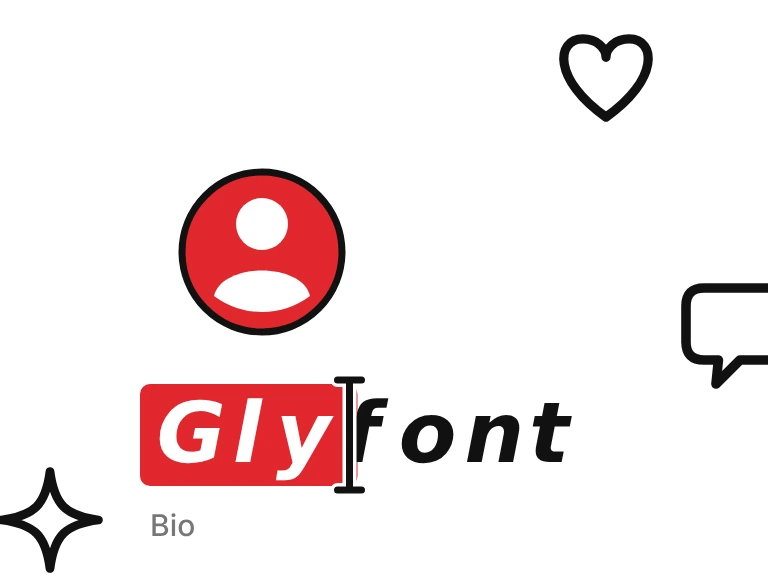
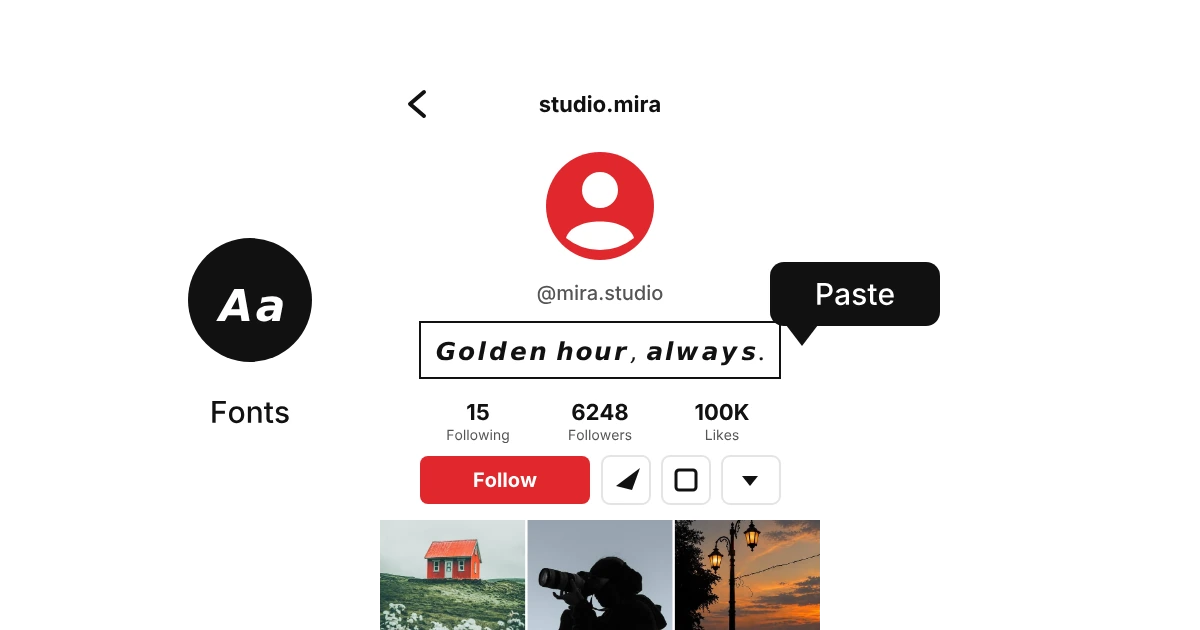
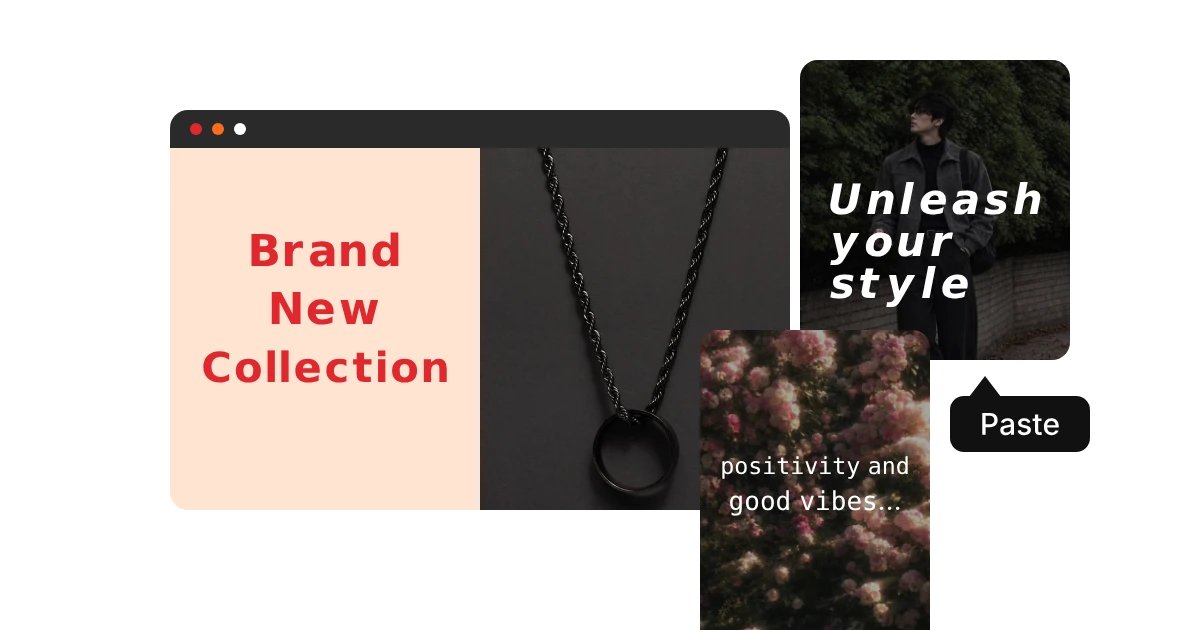
WhatsApp fonts paste into any text box in the app. Use the formatting codes inside messages, and Unicode fonts for the places where codes do not work.
Why do some fonts show as boxes on WhatsApp?
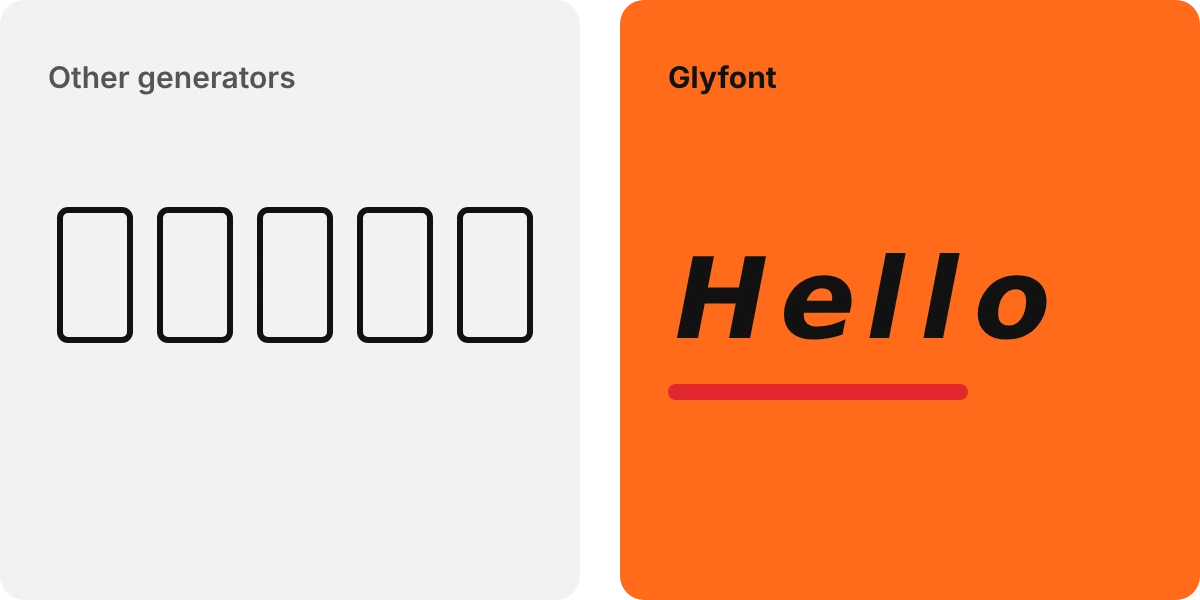
A box means the phone reading your message has no font for that character. WhatsApp draws text with each phone’s own fonts, so the same message can look right on one phone and show boxes on another, mostly on older Android devices. The formatting codes never show boxes, because they use normal letters. For group chats and anything important, the codes or the common styles like bold and italic are the safest choice.