Strikethrough Text Generator
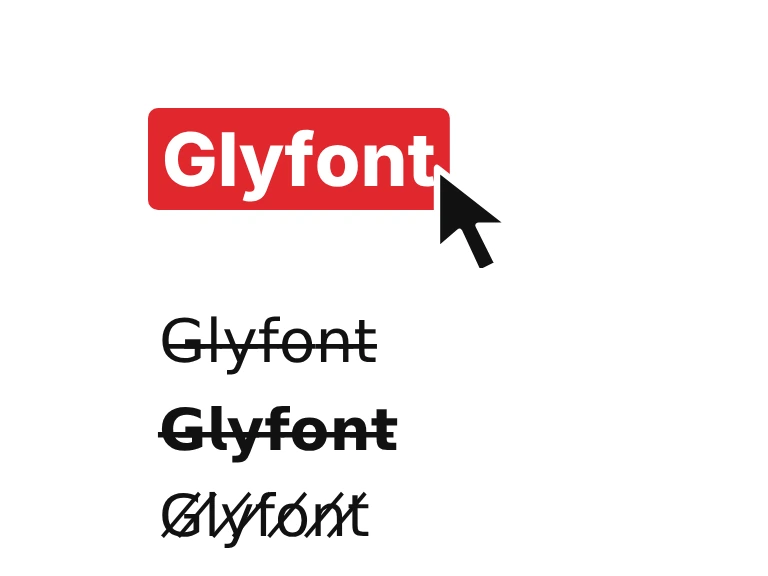
Cross out any text with a line through it, then copy and paste it. Choose a long or short line, a slash or a wavy line, and add bold, italic or script if you like.
- StrikethroughAa
- Short strikethroughAa
- Slash throughAa
- Short slashAa
- Wavy strikethroughAa
- Strikethrough and slashAa
- Strikethrough, spaces tooAa
- Strikethrough each wordAa
- Strikethrough first wordAa
- Bold strikethroughAa
- Sans bold strikethroughAa
- Italic strikethroughAa
- Script strikethroughAa
- Monospace strikethroughAa
- Double-struck strikethroughAa
- Circled strikethroughAa
- Small caps strikethroughAA
- Strikethrough capitalsAA
- Strikethrough spacedAa
- Strikethrough with crossesAa
- Strikethrough bracketedAa
How to use the strikethrough text generator in 3 easy steps
Type your text
Type or paste your words into the box at the top of the strikethrough text generator. The 21 strikethrough styles below update as you type, so you can compare how each one looks on your own words.
Pick a style
Choose a full or short line, a slash, a wavy line, or a line on bold, italic or script letters. You can also cross out each word or only the first one. Use the grid or list switch to see more at once.
Copy and paste
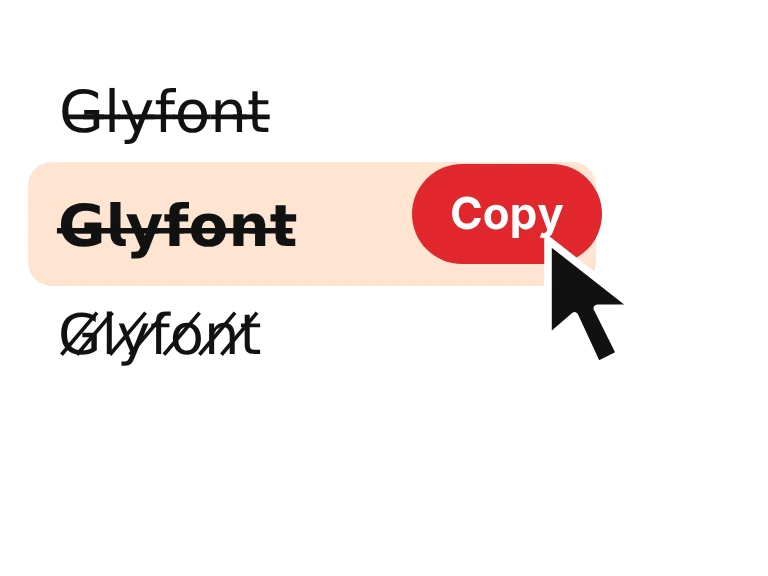
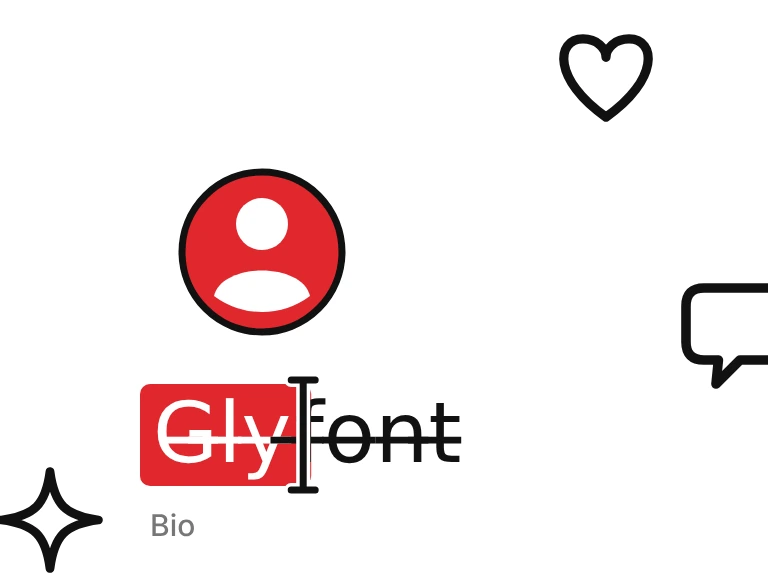
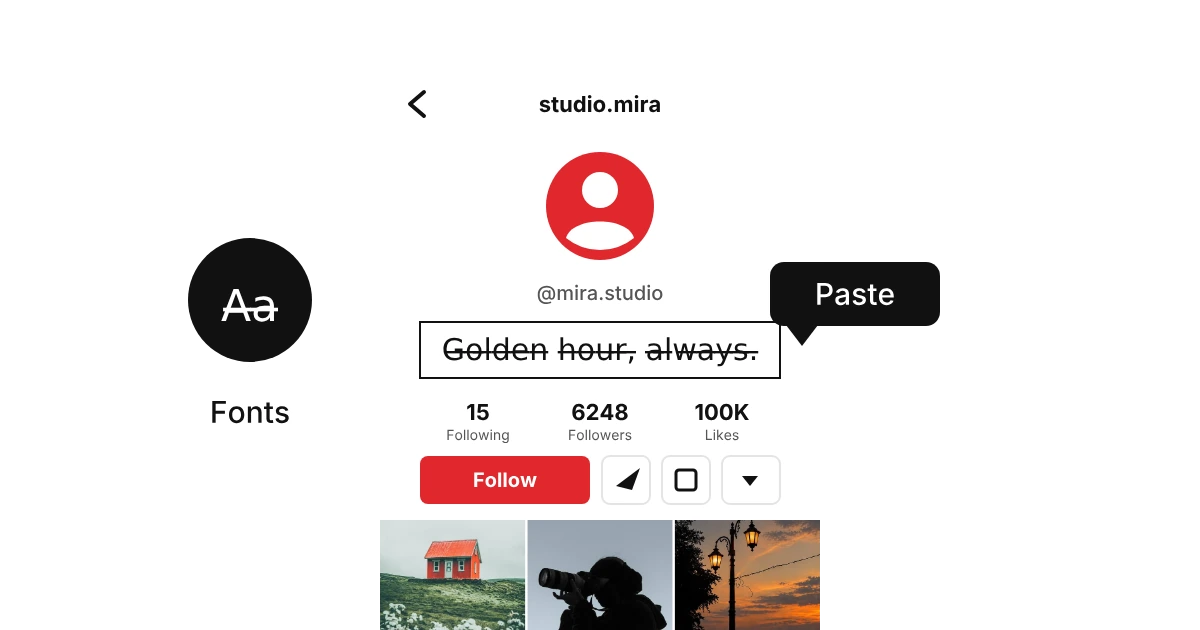
Press Copy and paste the result into a bio, a nickname, a caption or a chat. Check that it shows correctly on the app you are using, since a few older devices draw the line in the wrong place.
What is strikethrough text?
Strikethrough text is text with a line drawn through the middle of every letter, like a crossed-out item on a list. Most apps have no strikethrough button in a bio, a caption or a chat, so this generator adds a Unicode combining character after each letter that draws the line for you. It is plain text, not formatting, which is why it pastes almost anywhere.
The line comes from a combining character that sits on top of the letter before it, so the style survives copy and paste. Some apps draw the line a little higher or lower, and a few older devices show boxes, so check the preview first. Want the line on bold letters only? Try the bold text generator.

How we picked these strikethrough styles
Twenty-one styles, each tested on one word and on a full line. What we checked was simple: does the line stay visible after you copy it? Where it vanished into the letters or pushed the spacing around, we dropped the style.
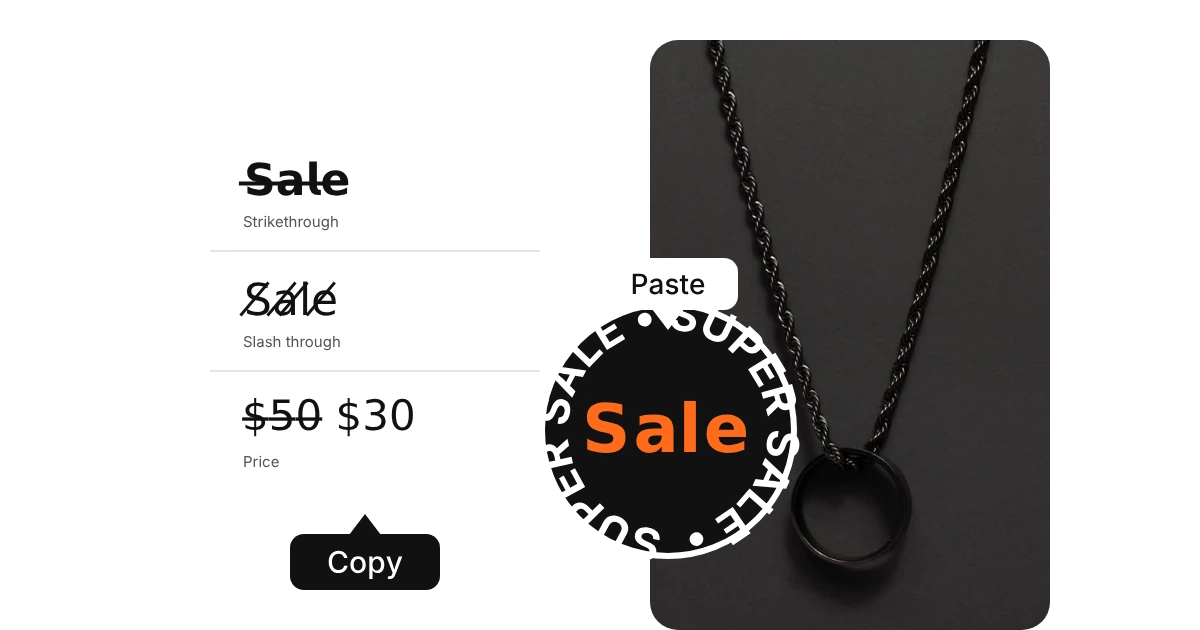
Crossed-out text is handy for old prices, jokes and edits. Straight lines, slashes and a wavy line are all in here, so you can pick how loud the cut looks.
Know a strike style we missed? Let us know.

Where to use strikethrough fonts
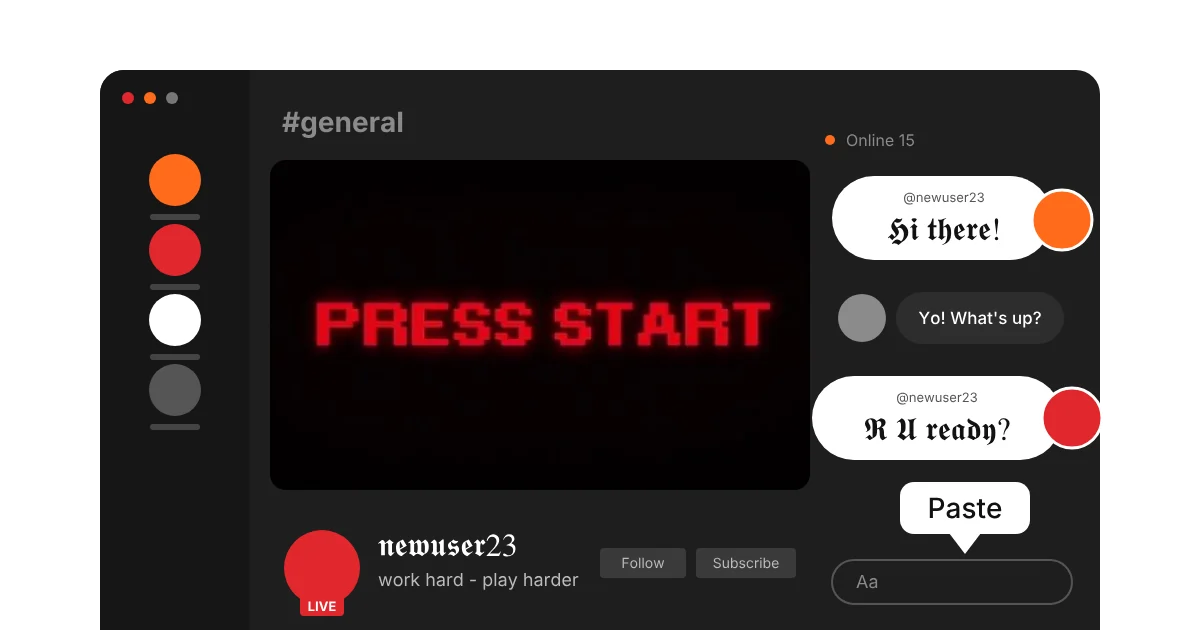
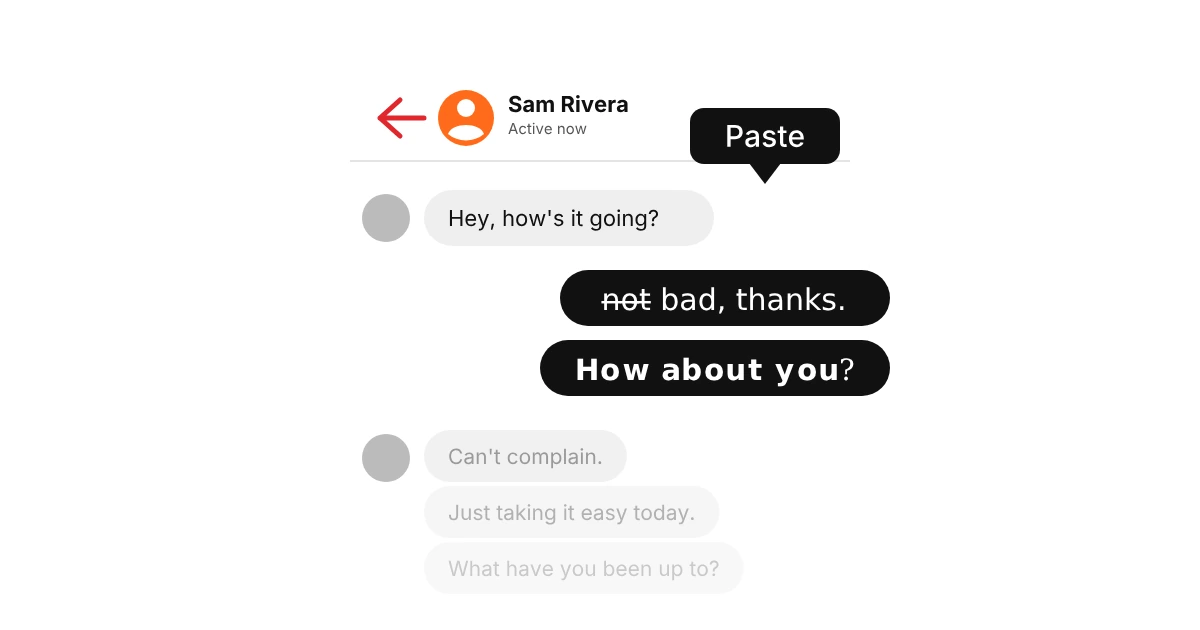
Strikethrough text works anywhere you can paste plain text. Use it for a word or a short line, because a crossed-out paragraph is hard to read.

Why does strikethrough text sometimes look broken?
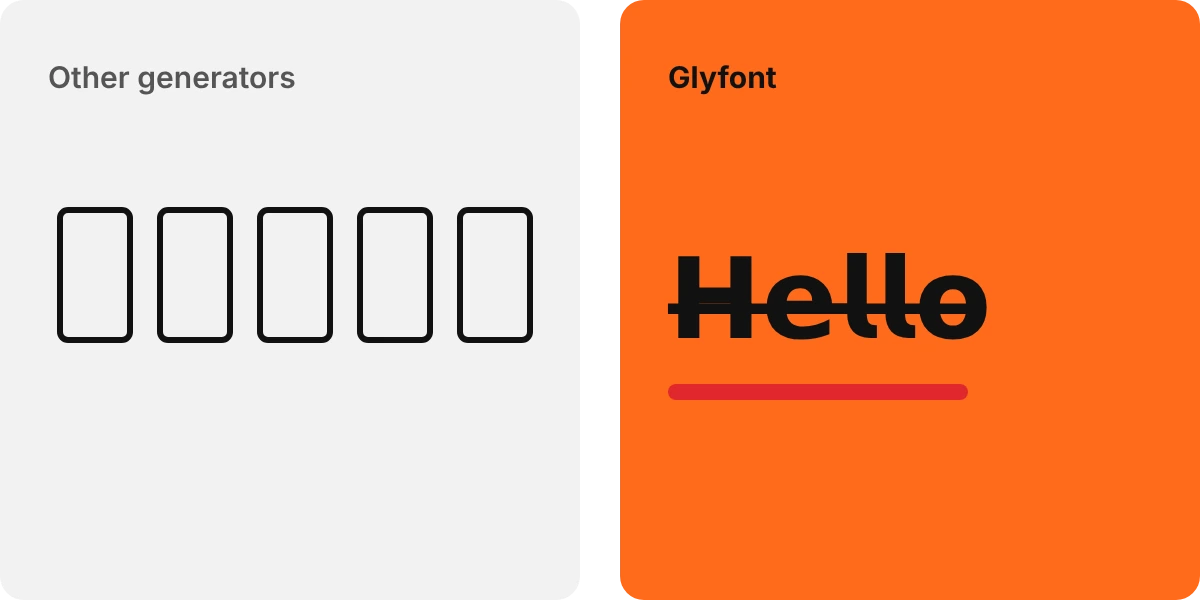
Strikethrough text is made of normal letters with a combining character after each one. Combining characters are drawn by your device, so the line can sit a little high or low, break between letters, or turn into an empty box on older phones and some apps. Screen readers may also read the line mark out loud after every letter, and search will not match crossed-out words, so keep important details in plain text as well.